

Adding new AI Actions to the Contentful backend
New AI features for contentful

Gemini, give me some more AI ACTION ideas we can add to Contentful …
The 2 new AI Actions I wanted to implement into the existing flow, after consulting with Gemini, and reviewing the current capabilities:
Detect duplication or over-similarity of content within your CMS to improve SEO score and create more engaging content for readers.

Scan content originality

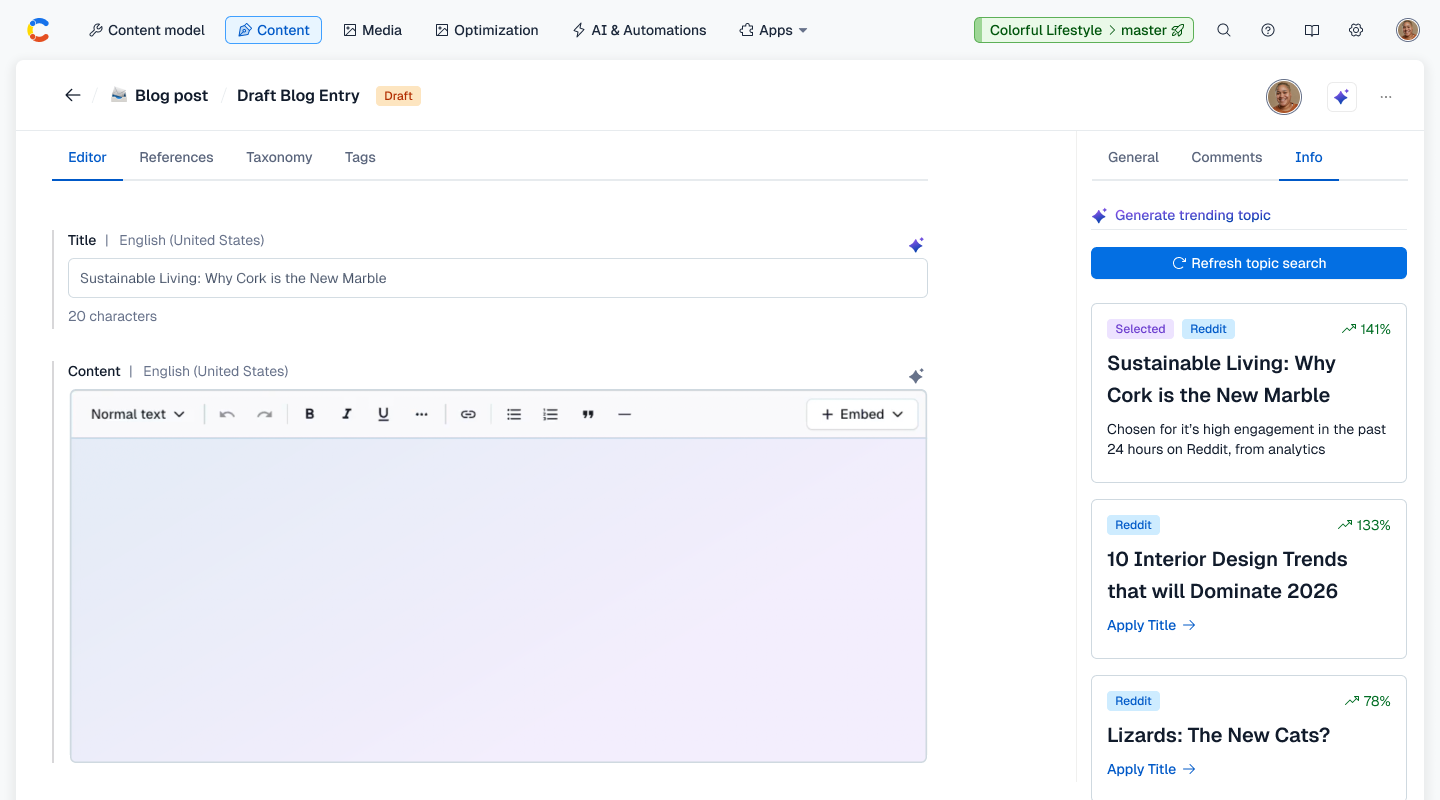
Generate trending topic
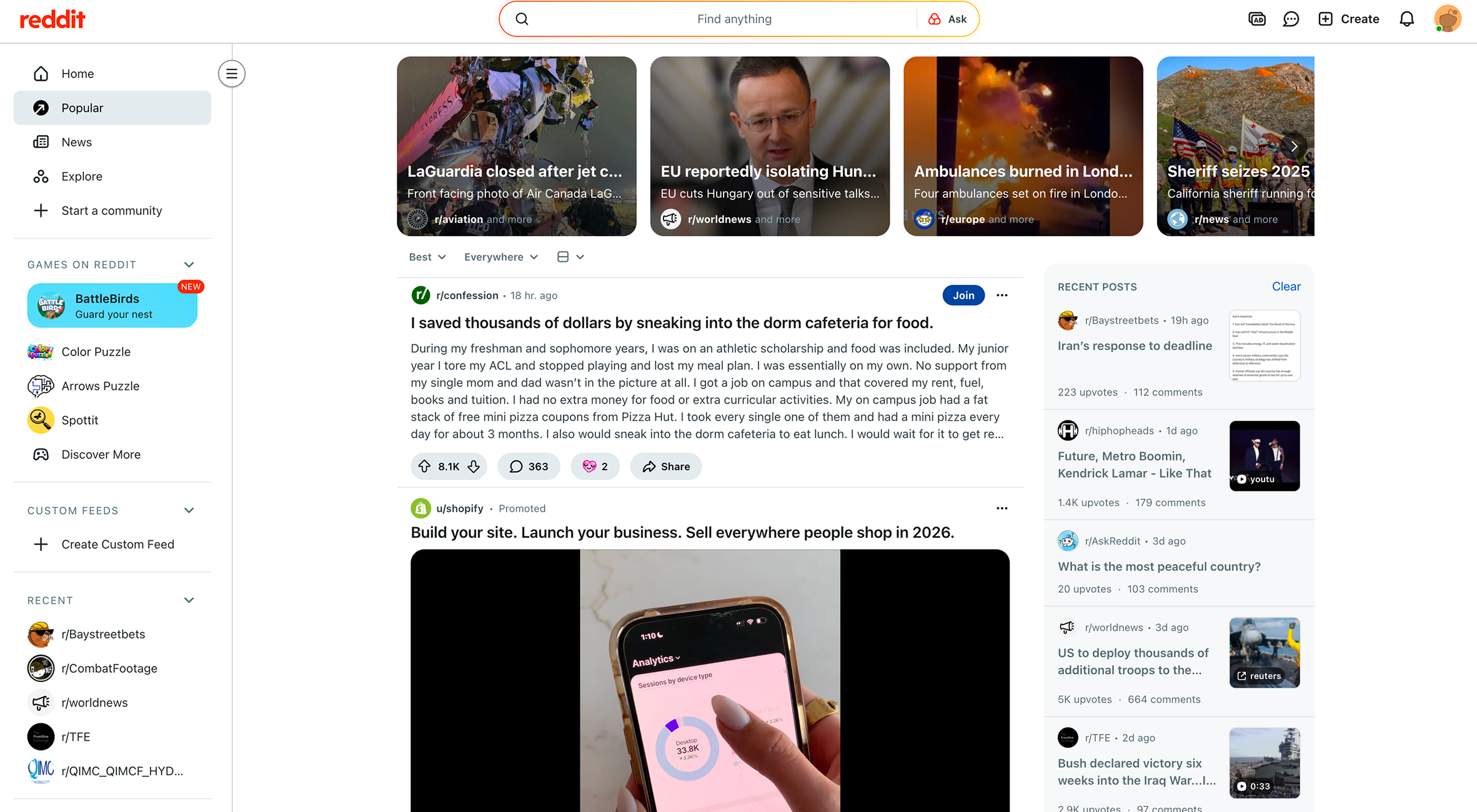
Suggest blog topics based on current search and social trends data - taken from sources such as Reddit, Google Trends, META Search, and more.
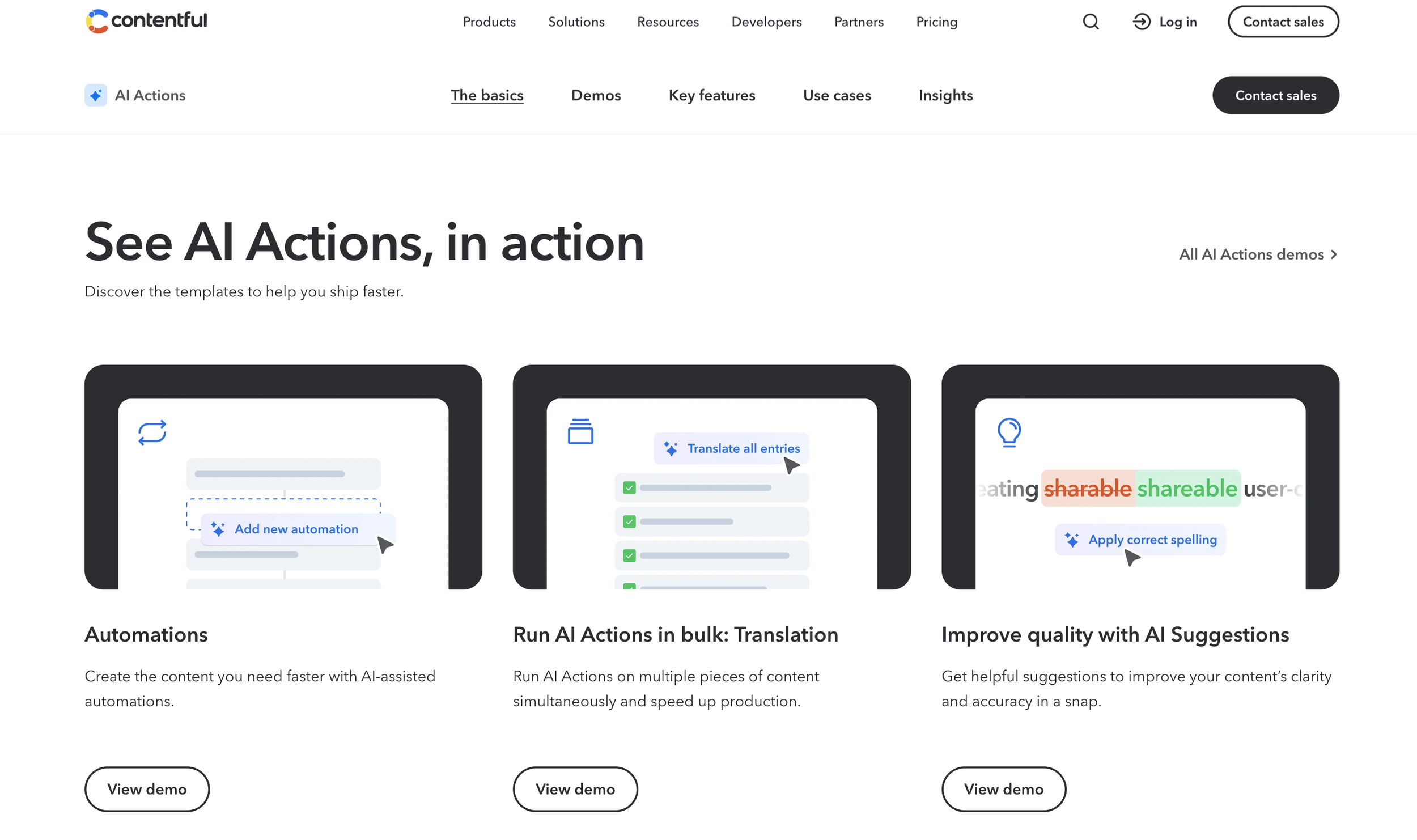
The first step I took was mapping out the flow for a user who wants to add these new AI actions to their workflow in Contentful. The standard flow was first understood by watching an informational video posted on the AI Action page on the Contentful website.
Design Thinking / Ideation
task flow for the new features
wireframing the necessary changes within the existing flow…

Luckily, I discovered the forma 36 design system along the way…
Originally, the new ai action ui was sitting directly above the content editor …
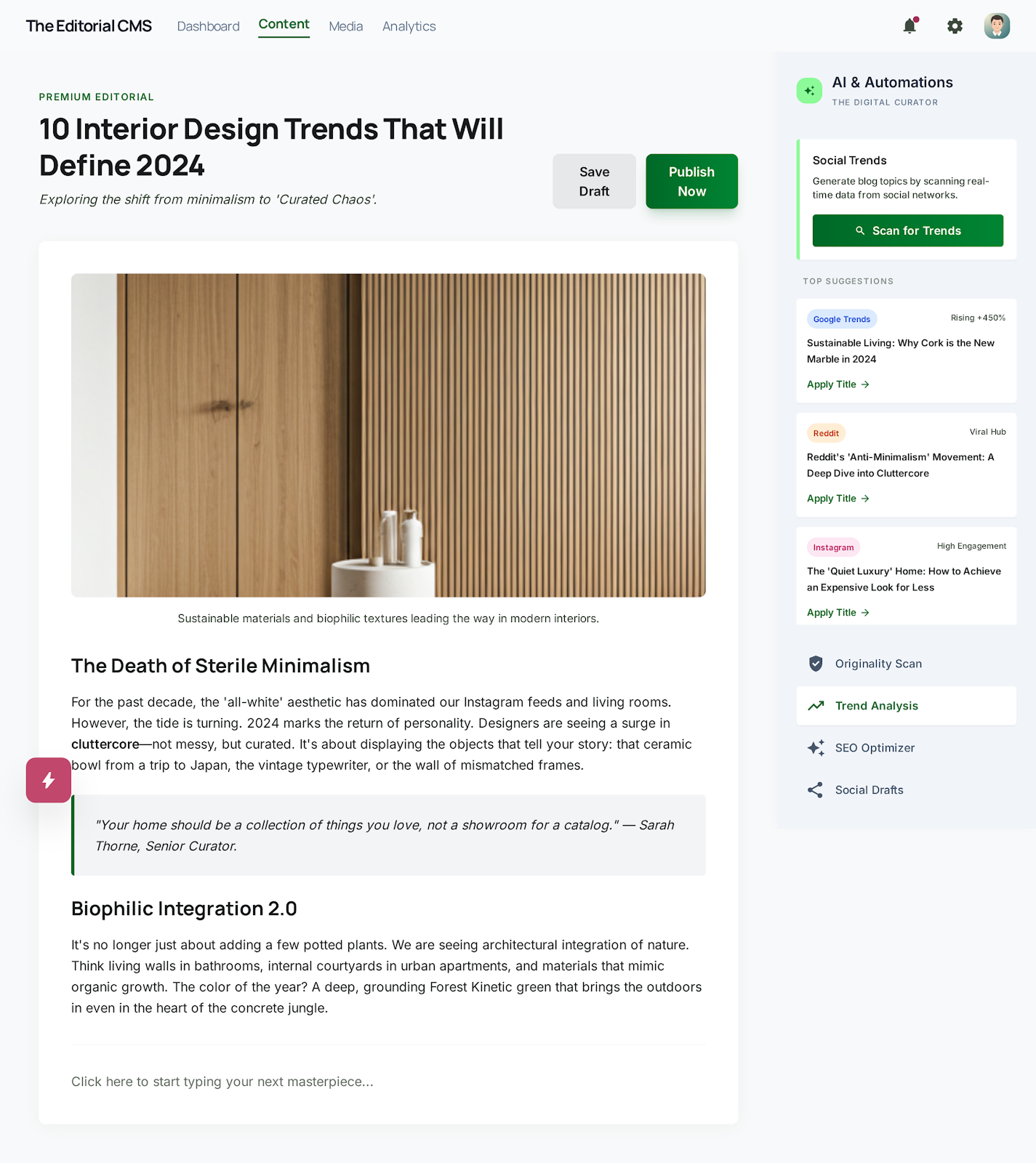
Luckily I asked Google stitch for some inspo
〰️
Luckily I asked Google stitch for some inspo 〰️
The positioning of the new ‘Scan content originality’ action in the Stitch mockup (see above) helped me realize I could better utilize the space inside the existing sidebar in the current experience.
AI-INFUSION / IDEATION
A Google stitch wireframe concept helped spark new ideas

Wireframing / Conception
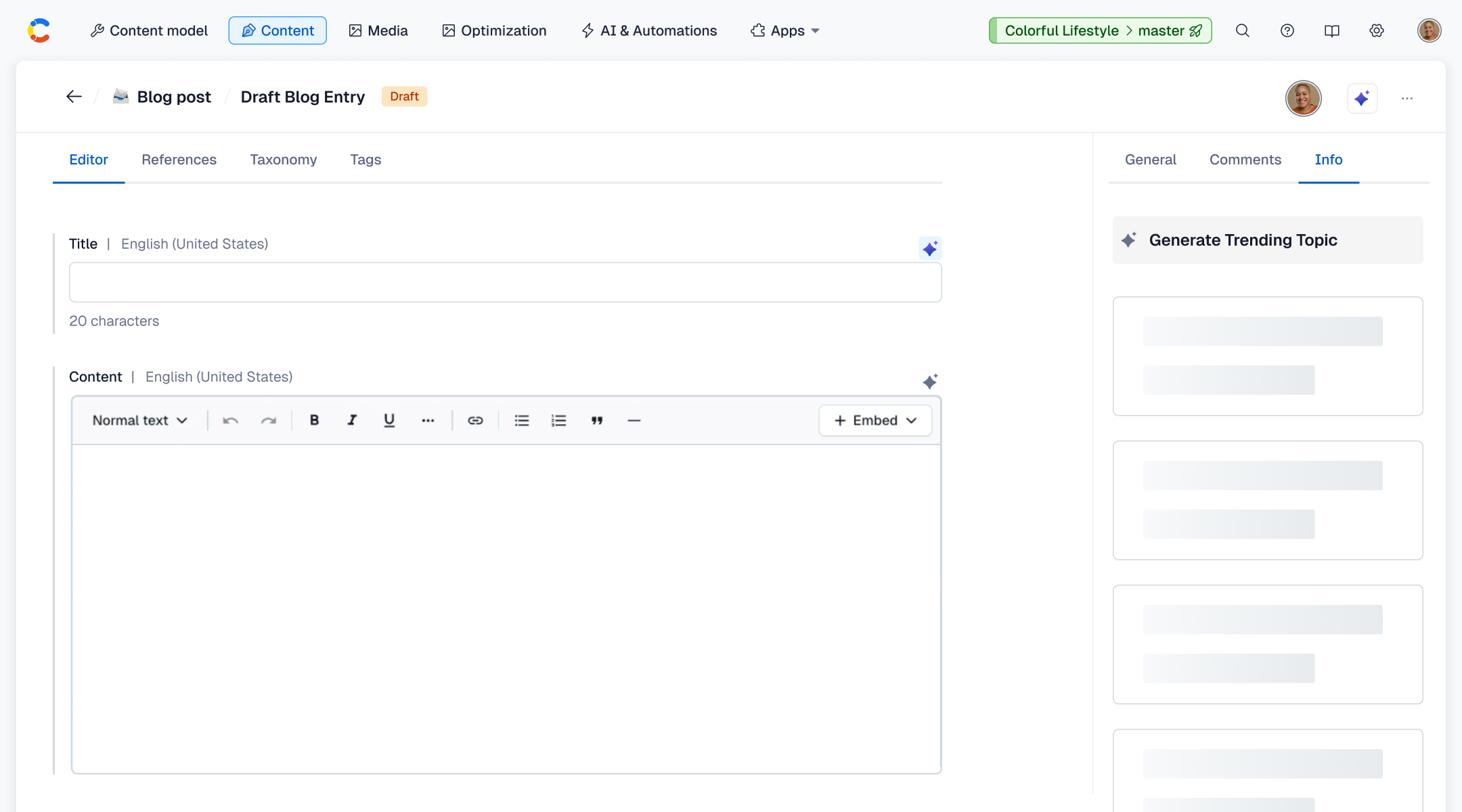
final wireframes, inspired from stitch and existing journey flow for ai actions
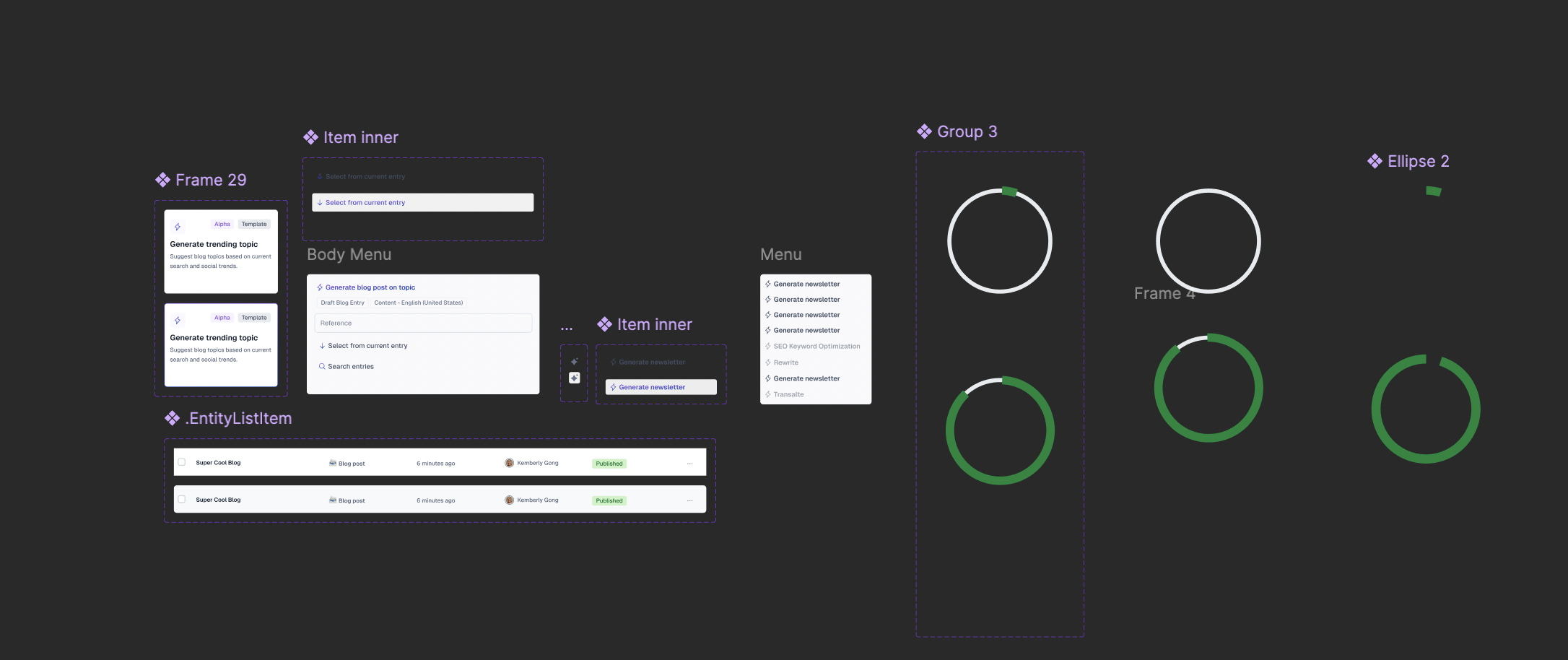
Wireframes were created in Figma using existing Forma 36 assets, as well as desaturated screenshots from Google Stitch, strategically placed in the right sidebar, to make better use of the space to provide more AI-system context for the user.
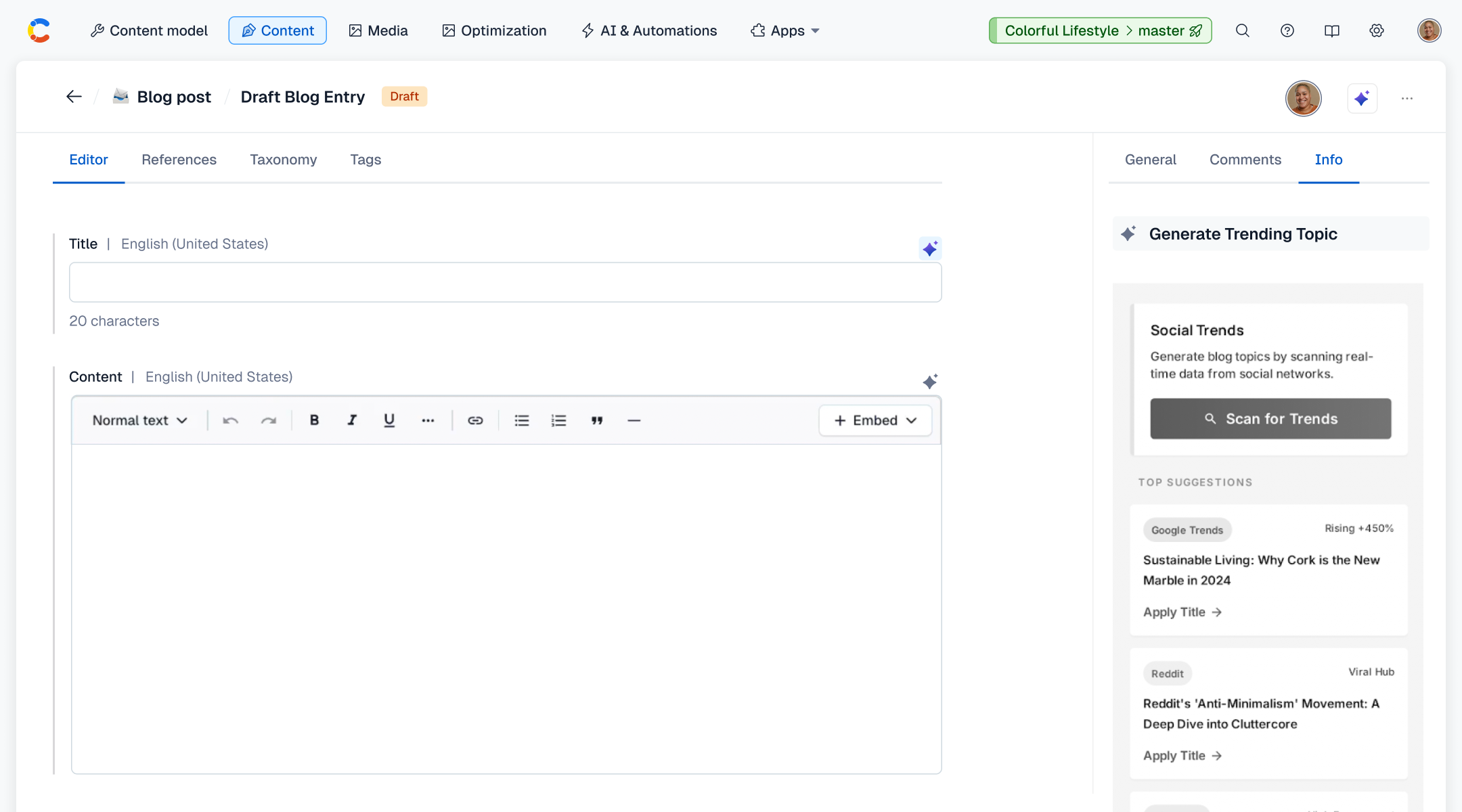
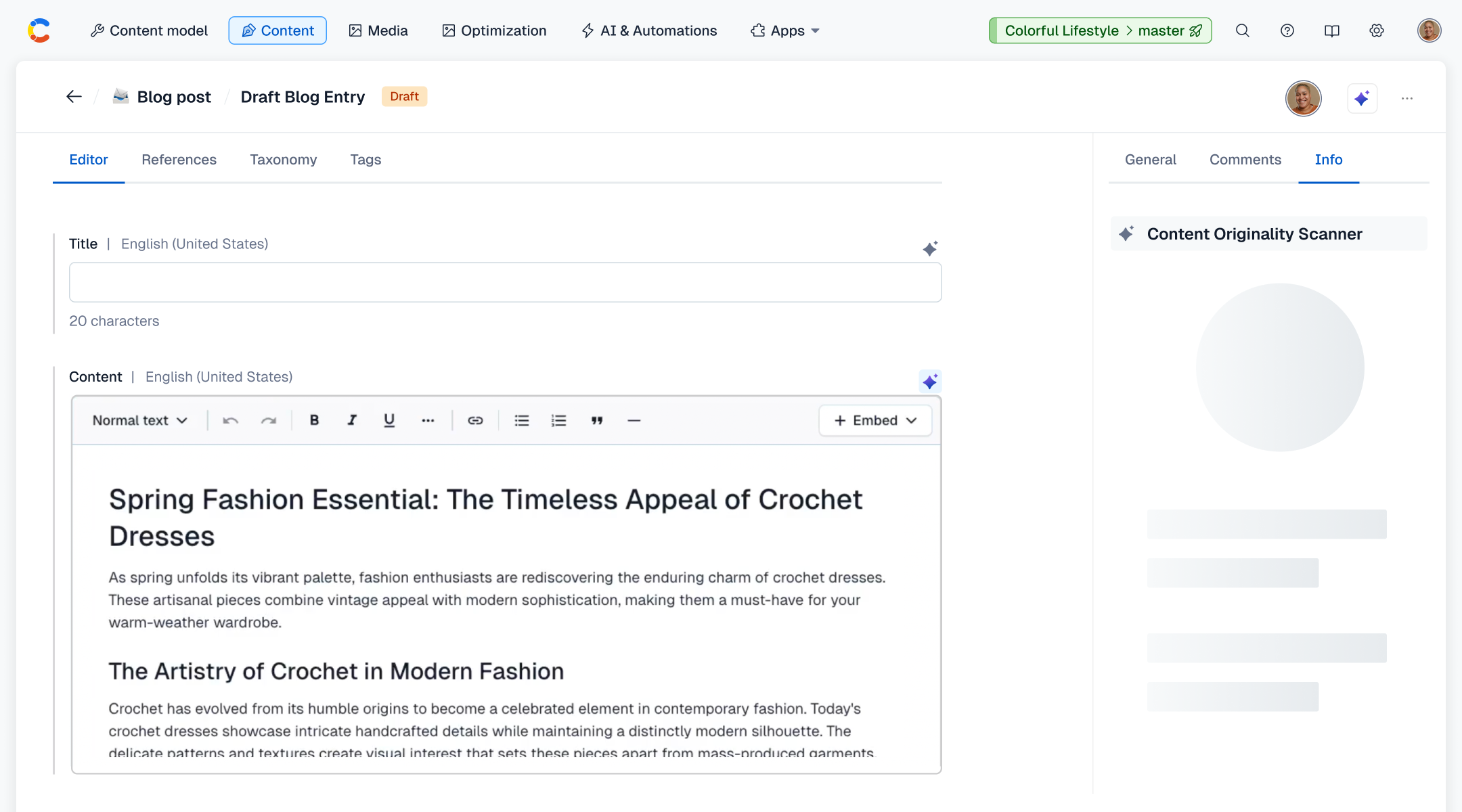
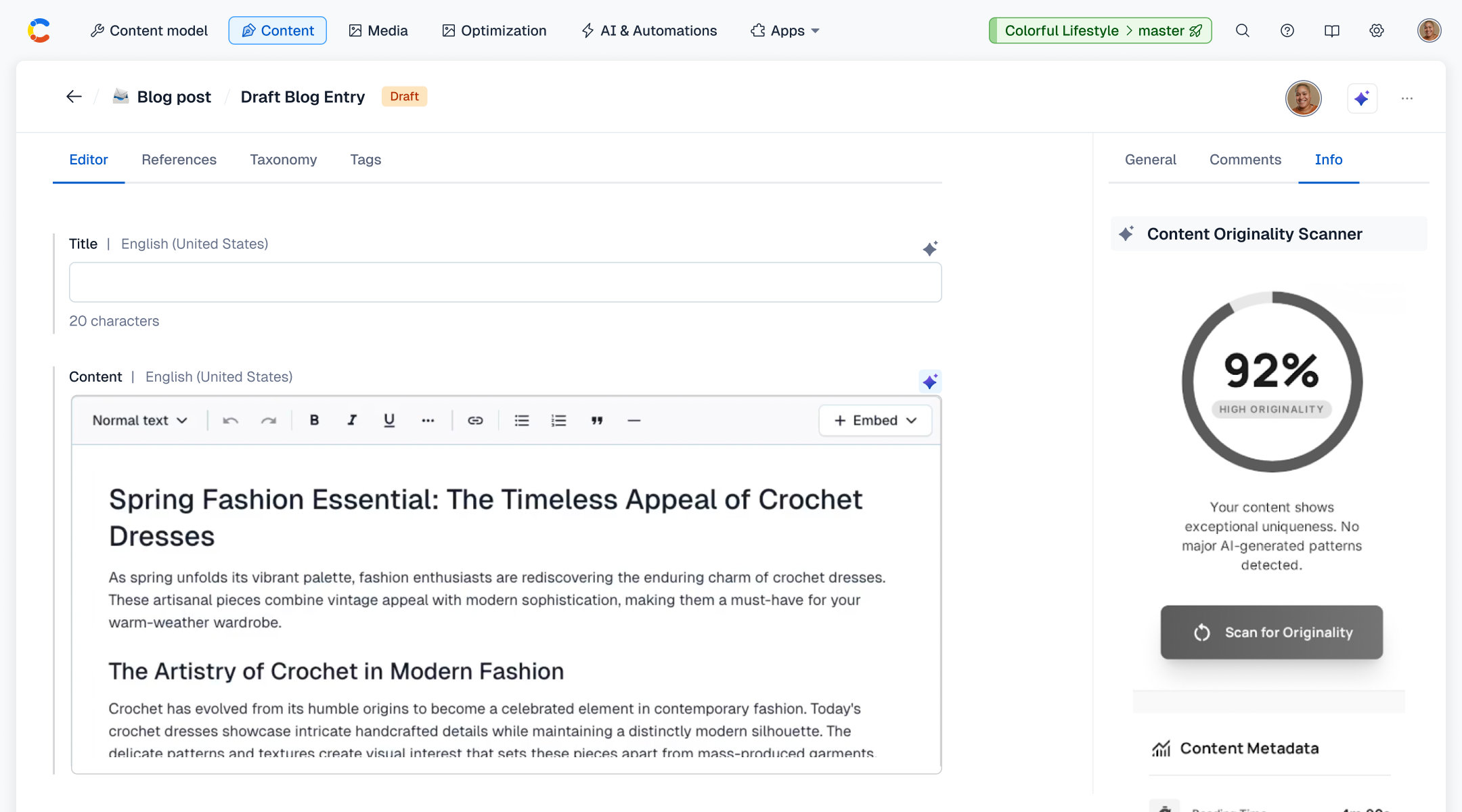
working DIGITAL PROTOTYPE IN FIGMA using high-fidelity mockups
In this prototype, you can see where a user can add the 2 new AI Actions into their workflow, within the AI & Automations section.
In this prototype, you can see how a user would implement said AI Actions, and how the right sidebar is utilized to display contextual information.